
 Tweet
Tweet
Just a quickie...
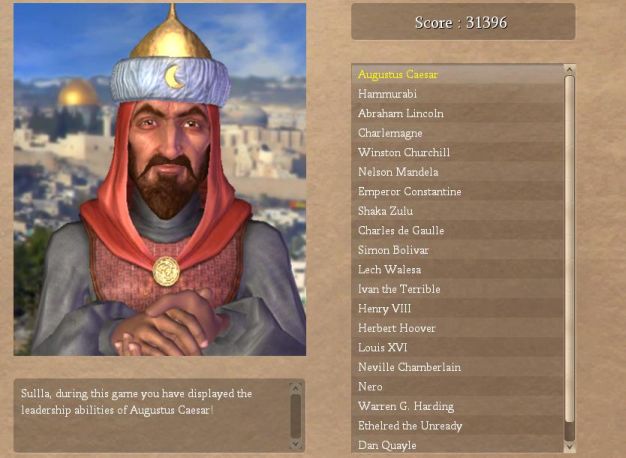
What does the file '<CivDir>\Assets\Python\Screens\CvDanQuayle.py' actually do? And why is it called Dan Quayle (I do know who he is)?
Also, in reference to removing improvements, what about 'onPillage' or something? Is there a function like that?
What does the file '<CivDir>\Assets\Python\Screens\CvDanQuayle.py' actually do? And why is it called Dan Quayle (I do know who he is)?
Also, in reference to removing improvements, what about 'onPillage' or something? Is there a function like that?


Comment